Powerful Features
Discover everything Remote Mouse can do for you
Wireless Mouse & Touchpad
Full mouse control with touchpad gestures. Supports drag, drop, and all mouse functions.
Virtual Keyboard
Complete keyboard control with support for special keys and keyboard shortcuts.
App Control Panels
Specialized panels for media players, presentations, and other applications.
Power Management
Shutdown, restart, sleep, and hibernate your computer remotely.
File Transfer
Transfer files seamlessly between your mobile device and computer.
Clipboard Sync
Sync clipboard content between your mobile device and computer instantly.
Complete Control Suite
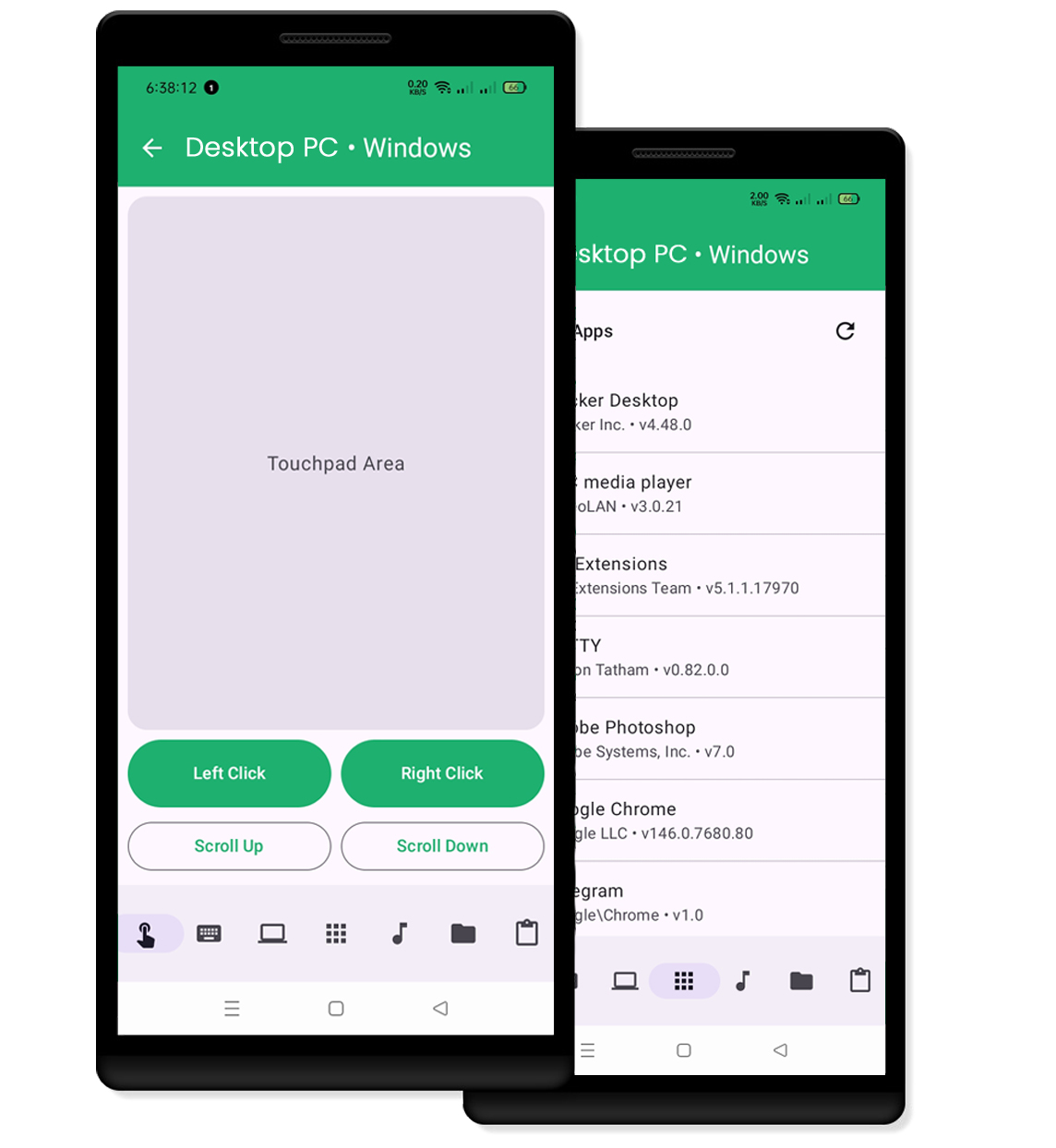
Wireless Mouse & Keyboard
Transform your mobile device into a wireless mouse and keyboard. Enjoy full control with:
- Smooth cursor movement
- Left, right, and middle click support
- Multi-touch gestures
- Drag and drop functionality
- Scrolling support (vertical & horizontal)
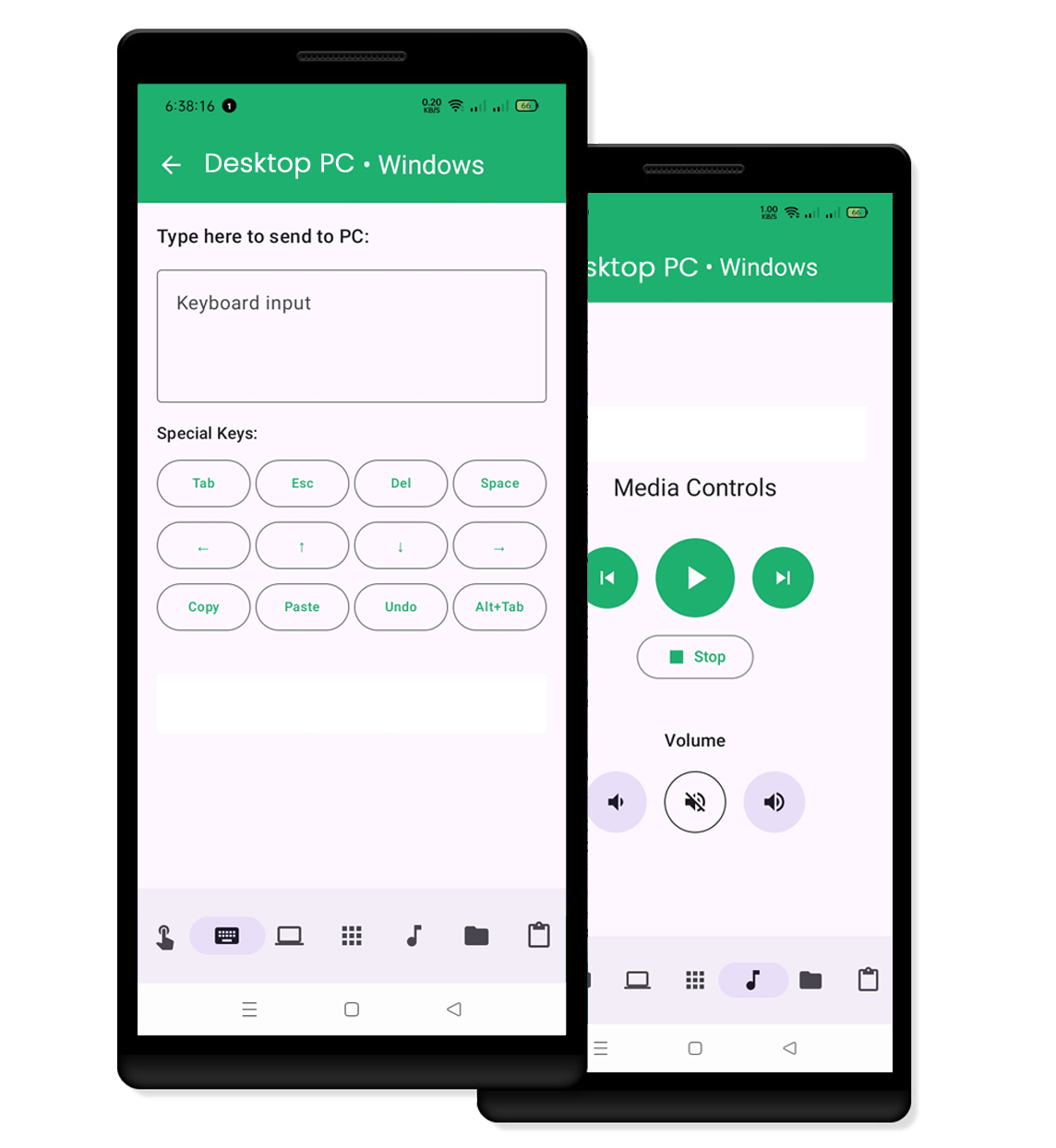
Advanced Control Panels
Specialized panels optimized for different applications and use cases:
- Media player controls
- Presentation mode
- Browser controls
- Custom shortcuts
- Quick launch apps
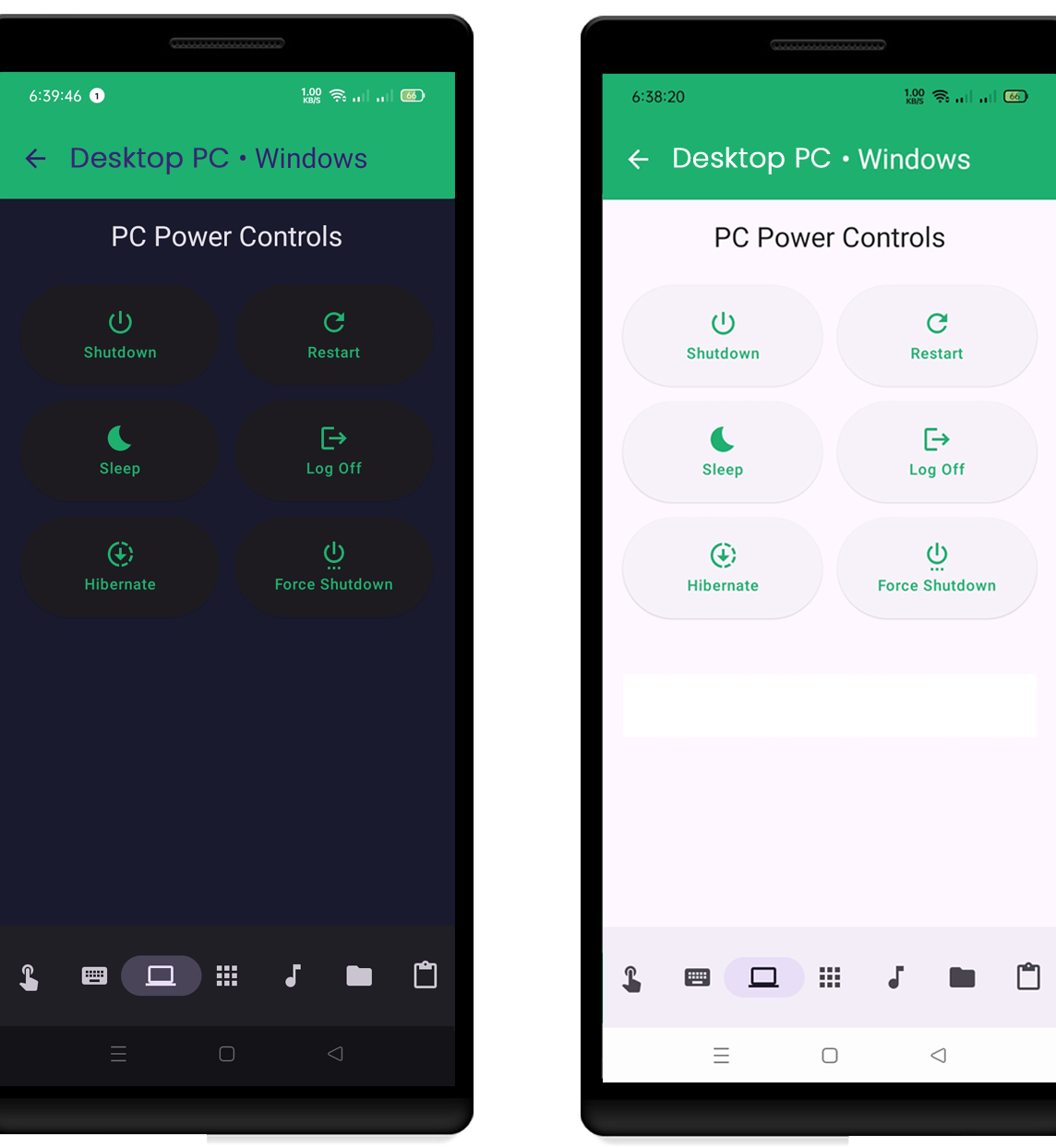
Power Management
Control your computer's power settings from anywhere:
- Shutdown your PC
- Restart with custom messages
- Put computer to sleep
- Hibernate option
- Log off from account
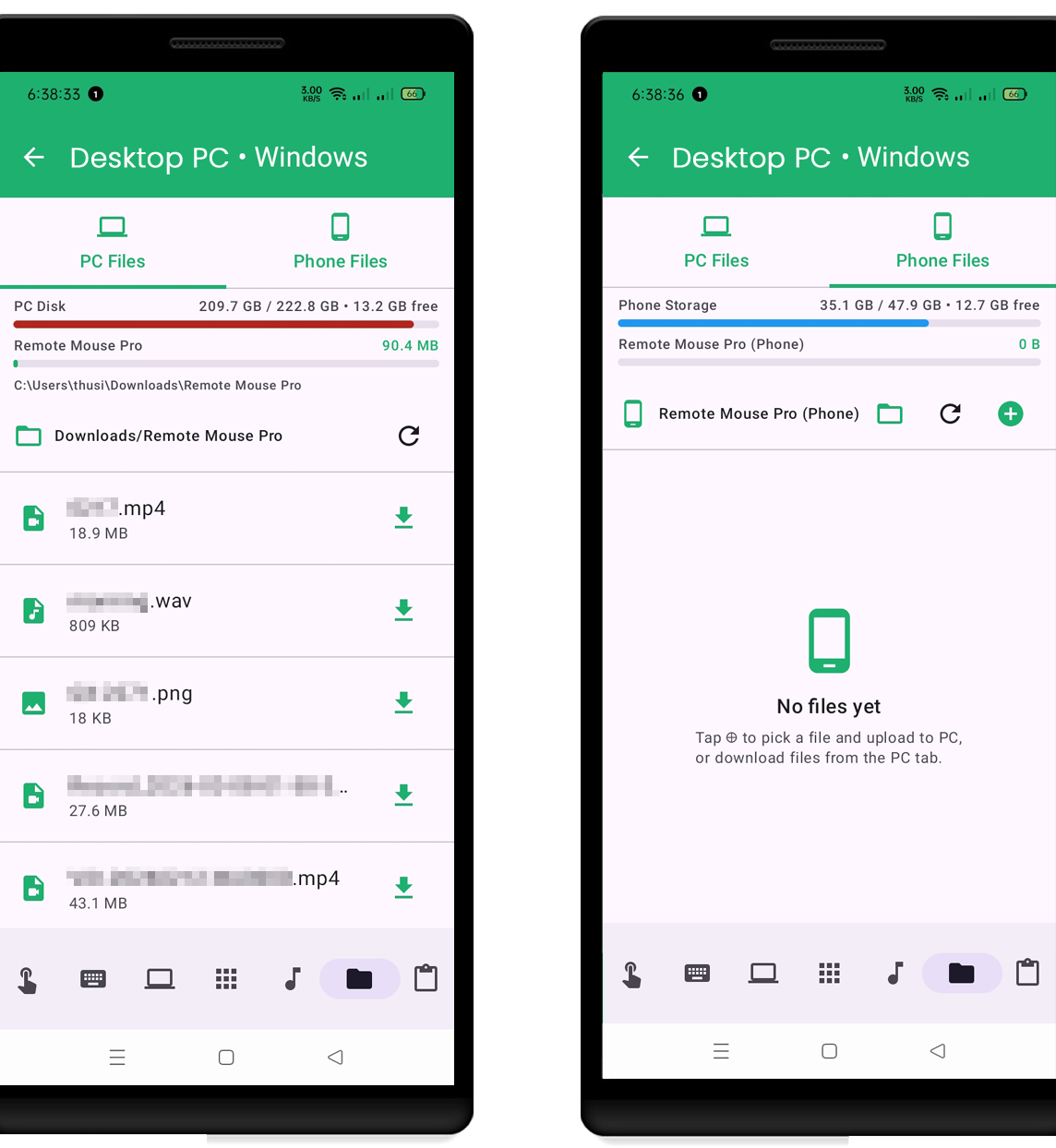
File Transfer
Seamless file management between your devices:
- Upload files to PC
- Download from PC
- Batch operations
- Drag and drop support
- Progress tracking
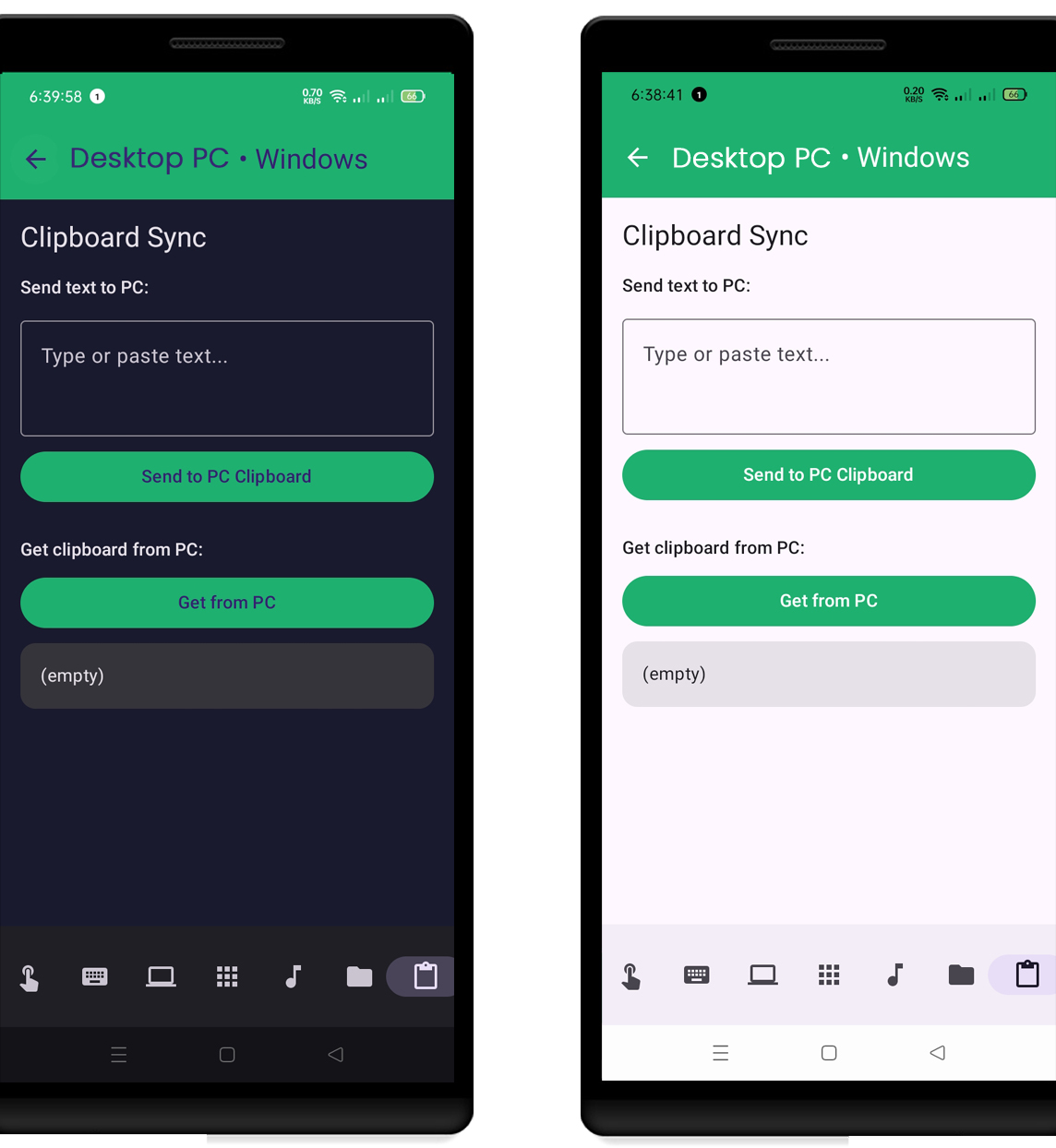
Clipboard Synchronization
Keep your clipboard in sync across devices:
- Real-time sync
- Text support
- Instant updates
- Auto-paste capability
- History tracking
Choose Your Plan
Both free and pro versions offer powerful remote control capabilities
| Feature | Free Version | Pro Version |
|---|---|---|
| Wireless Mouse Control | ||
| Keyboard Control | ||
| File Transfer | ||
| Media Controls | ||
| Power Management | ||
| Priority Support | ||
| Multiple Devices | ||
| Custom Profiles |
Ready to Experience These Features?
Download Remote Mouse now and take control